

A corner mount is more than a bracket turned sideways. The arm has to clear the walls, hold the screen at a usable angle and leave enough slack for power and signal cables to move safely.
Quick answer: corner mounting is a geometry problem
The corner may solve the room layout, but it adds extension load and movement. Plan for the screen at rest and at full extension.
Service map: Corner sequence: two walls, arm extension, swing clearance, seating angle, cable slack and service reach.
A corner installation looks awkward when the plan starts from TV size alone. A screen that fits on paper may need more extension than the bracket can safely provide. A bracket that swivels far enough may put too much extension load on a weak wall. A cable that reaches when the TV is flat may pull tight when the arm swings out. A good corner mount is planned as a moving system, not a static picture frame.
Planning boundary: This guide explains practical planning for corner TV mounting. It does not replace the mount manual, TV manufacturer instructions, local electrical rules or wall-specific structural judgment.
The bracket has to match the corner and the wall
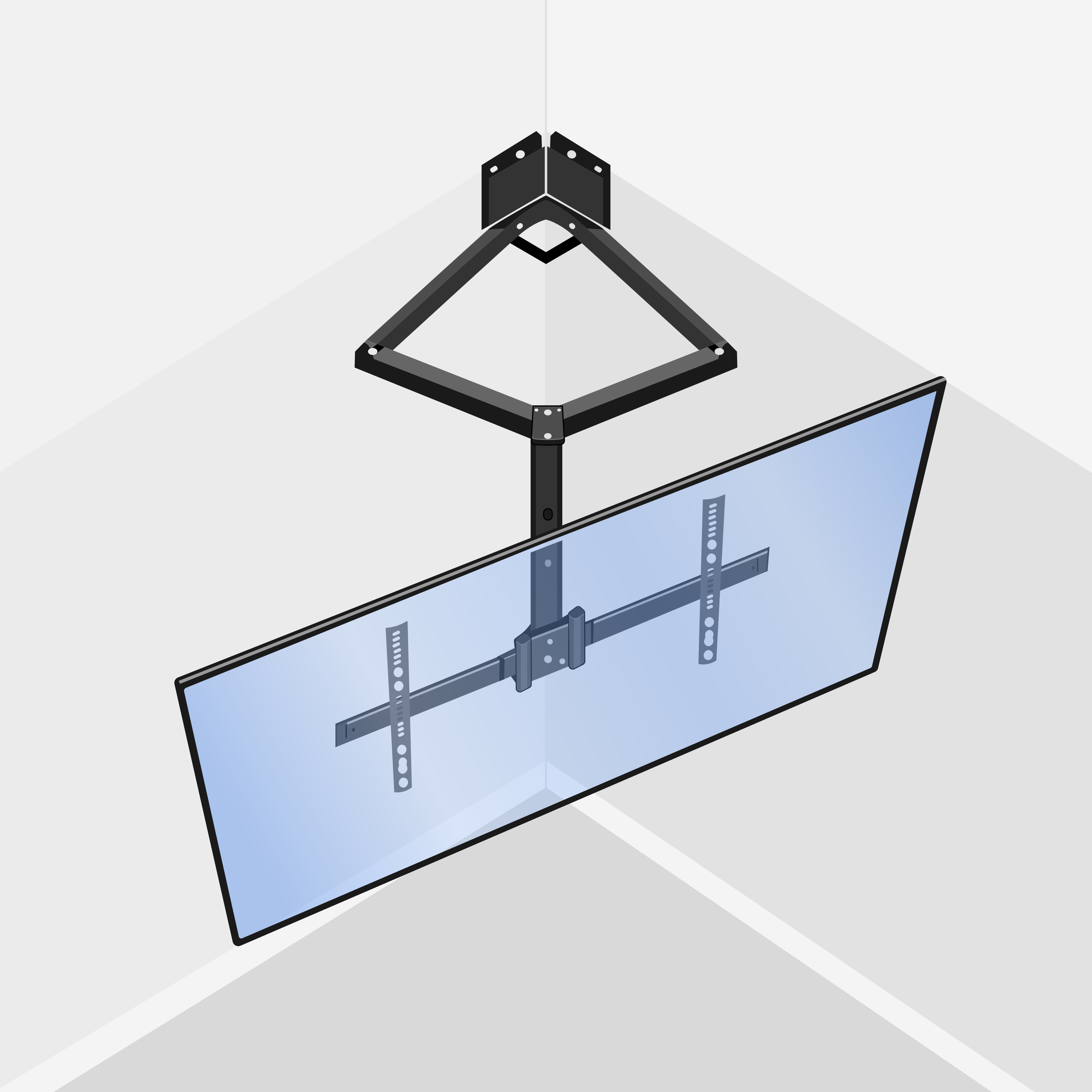
Most corner installs use a full-motion or articulating mount. The important numbers are not only screen size and weight. Extension length, swivel range, VESA compatibility, arm stiffness, wall-plate width and the bracket rating all matter. A shallow arm may not pull the TV far enough out of the corner. A long arm may reach the angle but put more force on the wall. A heavy screen on a long arm can turn a casual install into a structural problem.
The wall plate also depends on a real load path. If the bracket lands across studs, that is different from a narrow plate with limited fastening points. If the corner has unusual framing, old plaster, masonry, tile, built-ins or a chase, the mount choice changes again. The right bracket is the one that can hold the TV at the viewing angle people will actually use, with the arm extended, not only when the TV is pushed flat against the wall.
Bracket checks before the TV is lifted
- TV size, TV weight and VESA pattern match the mount manual.
- Arm extension is long enough for the screen width and desired angle.
- Swivel range works from the actual wall location, more than the product photo.
- Wall plate can land on real structure or the correct masonry/anchor plan.
- Ports, cables and power remain reachable after the arm moves.


Sightline decides whether the corner works
A corner works well when the seating area naturally faces the diagonal. It can also be a compromise that never feels quite right. Before drilling, stand or sit where people actually watch TV. Look at the proposed screen center, glare from windows, path through the room, cabinet doors, fireplace, hallway traffic and furniture height. The best technical mount still fails if the room does not want the TV there.
Swivel helps, but it is not a cure for every angle. If the screen has to rotate sharply every time it is used, the mount must hold that position without sag. If people watch from two areas, the arm needs to move without colliding with walls or furniture. If the TV is very large, a small change in angle can push one edge toward the wall. The installer has to think in the arc of the screen, more than the center point.
Cable slack is not optional on a moving mount
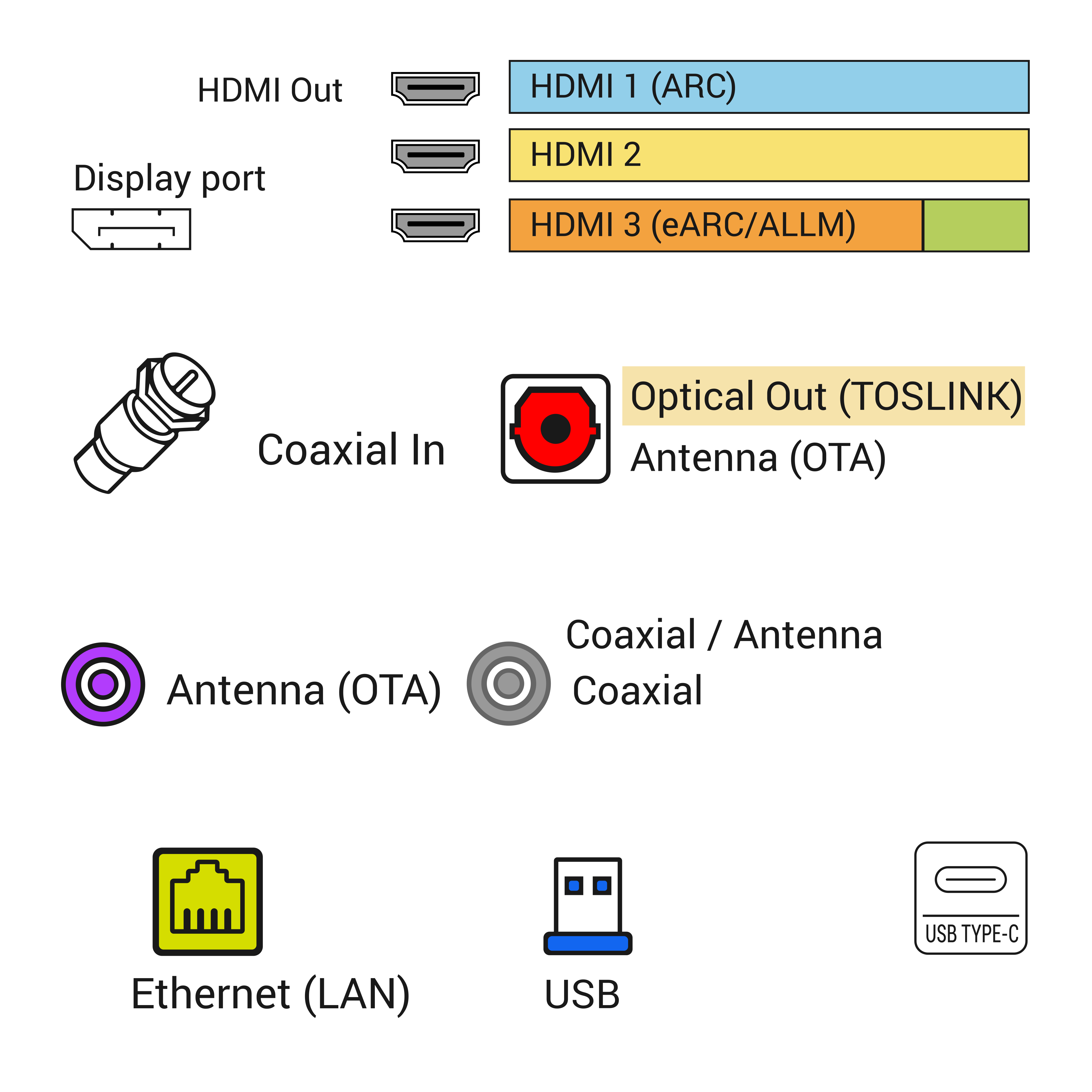
Cable planning is where many corner installs start clean and end frustrating. On a flat mount, cables may only need a modest service loop. On a full-motion corner mount, the HDMI cable, Ethernet cable, optical audio, soundbar cable and power path have to survive the entire arm movement. A cable that looks tidy with the TV pushed back can pull against the port when the screen rotates. That can damage the cable, stress the port or make the customer afraid to move the TV.
The power path gets separate attention. Low-voltage cables and power are not the same kind of problem. HDMI or Ethernet can often be routed through a planned low-voltage path when the cable type and wall path are appropriate. A normal removable TV power cord should not be hidden loose inside a wall. If power has to move behind the TV, plan a proper outlet, an approved power relocation solution where appropriate, or electrician-managed work.
Cable planning checks
- Test the full arm movement before tightening the final cable dress.
- Leave a service loop that does not hang below the TV or pull against the ports.
- Keep power planning separate from low-voltage signal cable planning.
- Account for soundbar, streaming box, game console, antenna/coax or Ethernet needs.
- Make sure the customer can still move the TV without yanking a cable loose.
Corner walls can hide awkward structure
Room corners are not always framed the way people imagine. Studs may not be where the bracket wants them. A wall may meet another wall with blocking, doubled studs, old plaster, a chase, a cabinet, a window return or a masonry surface. If the installer assumes the corner is simple, the bracket holes may land in weak material or the plate may sit where it cannot distribute load properly.
This matters with articulating mounts because the force changes when the TV swings out. The wall is more than holding weight downward; it is resisting pull and twist. That does not mean a corner mount is unsafe. It means the fastening plan has to match the wall, bracket and final viewing position.
Soundbar and device placement can change the answer
A corner TV leaves less obvious space for the devices that normally live below a screen. A soundbar may not line up cleanly. A streaming box may hide behind the TV but have weak Wi-Fi or poor remote response. A game console may sit in furniture across the room. A cable box may need IR visibility, ventilation and a longer HDMI run. If these details are ignored, the TV may look good but the daily setup will feel awkward.
Good planning asks where each device will live before the bracket is installed. If the TV needs to swing toward a couch, can the soundbar move with it? If the soundbar stays fixed, will the sound still point the wrong way? If the cable box sits in a cabinet, is the HDMI route protected? A corner mount can work beautifully, but it should not be treated as only a bracket decision.
When a corner mount is the wrong choice
A corner mount is not automatically the best way to save space. If the wall structure is weak, the TV is too large for the arm reach, the seating angle is poor, the cable path would be unsafe, or the mount would block windows, doors or furniture, a different wall may be better. Sometimes a standard flat wall, a media console, a smaller screen, or a different furniture layout solves the room better than a corner bracket.
The simplest test asks whether the TV works naturally after installation. Can people sit normally? Can the screen stay level? Can the arm move without scraping the wall? Can cables move with it? Can the customer reach ports or reset a streaming device? If the answer is no, the corner location needs to change before holes are drilled.
What to send before booking corner TV mounting
Good pre-visit photos make a corner mount much easier to evaluate. Send one wide shot showing both walls of the corner and the seating area. Send a closer photo of the wall surfaces where the bracket might mount. Send the TV size, TV model if available, mount model if already purchased and the distance from the corner to furniture, windows, outlets and nearby trim. If a soundbar, streaming device or cable box is part of the setup, include that too.
The better the photos, the less guessing happens onsite. A technician can often spot a problem before arrival: bracket too short, outlet too far away, cable path awkward, TV too large for the corner, or furniture likely to block the swing. That saves time and prevents the wrong mount from being opened.
What the closeout proves
A finished corner-mount closeout proves the TV is secure, level and usable through its intended movement. The arm should extend and swivel without sagging, scraping or pulling cables. The picture should face the primary seating area. Ports should remain serviceable. Any limitation should be documented, especially if the TV is intentionally kept within a smaller movement range to protect cables or wall structure.
The best closeout photos show the TV from the room, not only a close-up of the screen. For a corner install, useful proof includes the bracket position, viewing angle, cable path, nearby furniture and final screen alignment. If the bracket has a safe movement range, document that too. The goal is not only a good-looking photo; it is a setup the customer can use without fighting the hardware.
Before booking: Before booking, send a wide wall photo, a closer outlet or console photo, TV size, mount status and whether cable concealment is part of the job.
Map the swing before choosing the bracket
A corner mount succeeds when the arm movement, cable slack and viewing position agree. The plan belongs on the floor with tape before the box is opened.
Corner mount decision table - technician cheat sheet
- Corner condition: Two uneven wall sections - Field check: Which side carries the bracket plate - Proof to collect: Photo of both wall faces and the nearest studs or masonry
- Corner condition: Full-motion arm required - Field check: Extension load, swivel angle and cable bend - Proof to collect: Mount model plus tape marks for screen center
- Corner condition: Devices hidden below or behind - Field check: Power, HDMI, Ethernet and remote path - Proof to collect: Photo of console, outlet and port side of the TV
- Closeout note: A corner plan is a movement plan. Static fit on the wall is only the first check.
Related planning routes
Share this article:
Facebook X LinkedIn Email Text Add comment
Need help with a similar setup?
Send photos of the wall, network equipment, device labels you can share safely, and the result you want. The service team can usually narrow the right next step before an onsite visit.
Plan a cleaner service visit
Send a wide photo, one close device photo, the cable path and the result you want. Leave out account screens, addresses and private labels unless they are safely covered.
Request a callFeatured service

Field Service Blog Guide: TV, Wi-Fi, POS, Security and Onsite Support
Use this guide as a dispatch map for the real problem in front of you: screen, cable, Wi-Fi, POS lane, rack, camera, phone or onsite support visit.
View servicesRelated articles
Comments
Reader notes and service questions
No approved comments yet.
Leave a comment